The Best AI Video Models in 2026 (and Which One to Use When)
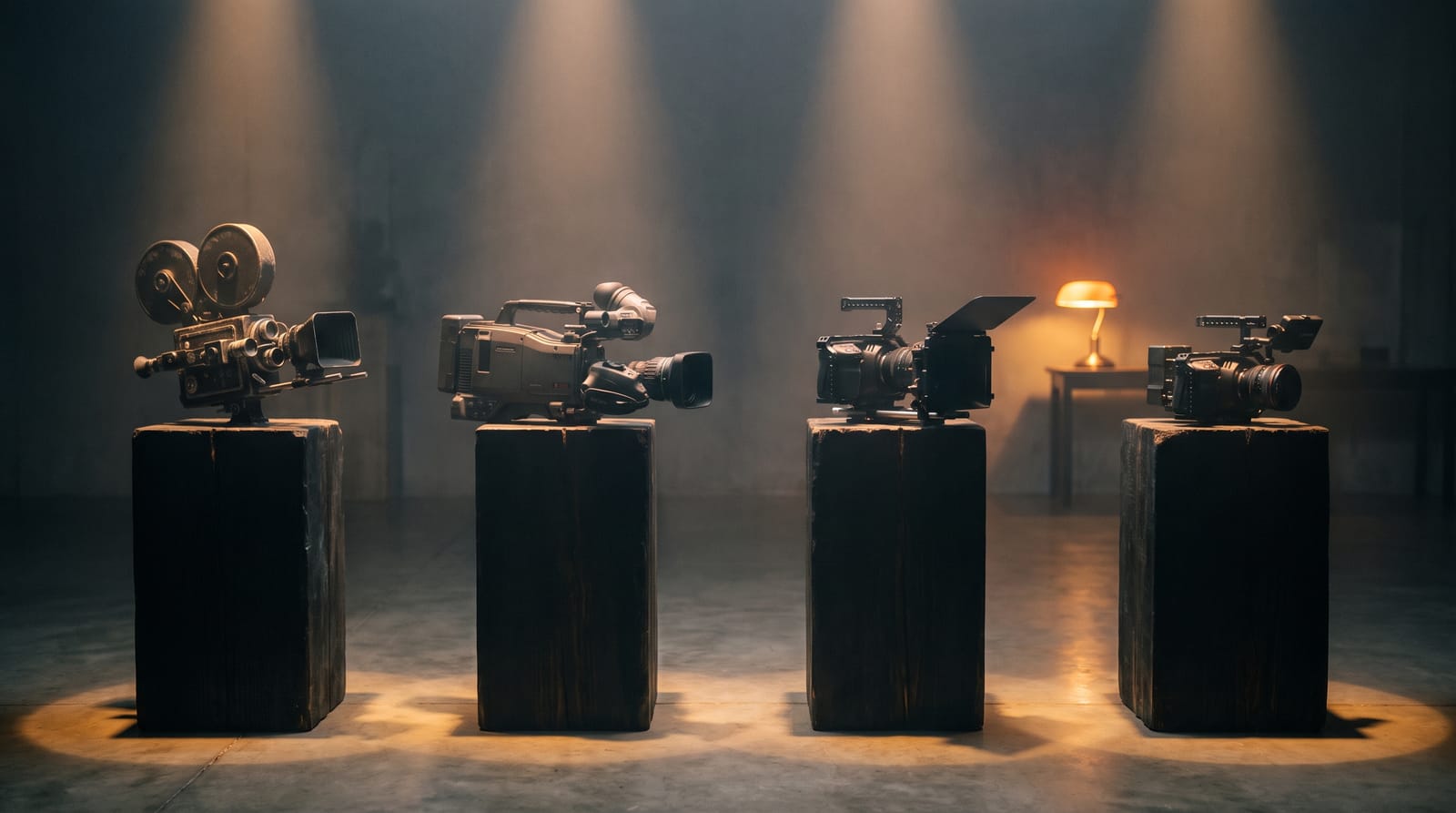
Every few weeks a new “best AI video model” trends, and the timeline insists you switch everything over to it. Ignore that. After enough renders you learn the real lesson: there is no single best model, only a best model for the shot you are trying to make. A talking founder, a cinematic product pan, a six-scene app explainer and a quick draft are four different jobs — and the model that nails one will quietly lose at another.
So instead of crowning a winner, here is how the frontier models actually differ in 2026 — Veo 3.1, Sora 2, Kling 2.5 Turbo and Seedance — and how to pick between them in the time it takes to read a dropdown. All of them live in the video studio, so you can switch per scene rather than committing to one for the whole video.
The models at a glance
If you remember nothing else, remember the sweet spot of each one:
- Veo 3.1 Fast — generates native audio with the clip. Reach for it when the shot needs to talk: a host, a voice, a sound-led moment. Clips at 4, 6 or 8 seconds, text-to-video or image-to-video.
- Sora 2 — the realism-and-physics pick. Strong at following a detailed prompt and keeping the world physically believable, with native audio. Clips at 4, 8 or 12 seconds.
- Kling 2.5 Turbo — built for motion. Fluid camera moves and cinematic b-roll that feels shot, not slideshowed. Clips at 5 or 10 seconds.
- Seedance 2.0 — the high-fidelity multi-shot workhorse, at 720p or 1080p. The default when you want a whole video to hang together. Clips at 5 or 10 seconds.
- Seedance 1 Pro, Hailuo 02 and Minimax Video-01 — the fast, cheaper tier for drafting and volume.
Veo 3.1 Fast — when the shot needs to talk
Most video models give you silent footage and leave the sound to you. Veo 3.1 generates audio as part of the clip, which changes what it is good for. If a scene is carried by a voice — a founder addressing the camera, a narrated beat, ambient sound that sells the moment — Veo gets you there in one pass instead of two. It works both from a text prompt and from a reference image, so you can anchor a character or product and still get a talking shot.
Use it for the talking moments in an app explainer, a quick founder-to-camera intro, or any scene where the audio is the point. For purely visual b-roll, you are usually better served elsewhere — the audio is the reason to pick Veo, not the visuals alone.
Sora 2 — when realism and prompt-accuracy matter
Sora 2 is the one to reach for when the clip has to look physically real and follow a specific brief. It holds up on the things that usually break — weight, motion, how objects interact — and it tends to honour the details you actually wrote in the prompt rather than averaging them away. It also produces native audio, and supports longer single takes (up to 12 seconds), which is useful when a moment needs room to breathe.
That fidelity rewards a well-written brief. The more precisely you describe the scene, the more Sora gives back — so it pairs naturally with a tighter prompt. Use it for hero shots, narrative beats, and anything where “almost right” reads as wrong.
Kling 2.5 Turbo — when you need cinematic motion
Kling 2.5 Turbo is the motion specialist. Where some models produce a handsome but static frame with a little drift, Kling gives you camera language — pushes, orbits, reveals — that makes a clip feel directed. If your storyboard calls for a slow pan across a product, a dramatic pull-back, or energetic b-roll between talking beats, this is the model that delivers movement without turning to mush.
It is a strong choice for ecommerce product reels and the cinematic connective tissue of a launch video — the shots whose whole job is to look expensive and move well.
Seedance 2.0 — the high-fidelity multi-shot workhorse
Seedance 2.0 is the safe default when you are rendering a whole video rather than a single hero clip. It holds detail well at 720p and 1080p, and it is consistent enough across scenes that a six- or ten-scene reel feels like one piece instead of a stitched-together grab bag. That consistency is exactly what you want when a character or product has to stay the same across every scene.
If you are not sure which model a scene wants, starting with Seedance 2.0 is rarely the wrong call — then swap individual shots to Veo (for audio), Sora (for realism) or Kling (for motion) where it pays off.
The budget tier: Seedance 1 Pro, Hailuo 02, Minimax
Not every shot deserves your most expensive model. When you are drafting a shot list, testing variants, or producing at volume, the cheaper models earn their place: Seedance 1 Pro for solid fidelity at a lower cost, Hailuo 02 for quick 6–10 second clips, and Minimax Video-01 for fast fixed-length shots. Draft cheap, then re-render the keepers on a premium model once the storyboard is locked.
How to choose in ten seconds
- The shot needs spoken dialogue or sound → Veo 3.1 or Sora 2.
- It has to look physically real and follow the prompt exactly → Sora 2.
- It needs cinematic camera motion → Kling 2.5 Turbo.
- It is one scene in a longer, consistent video → Seedance 2.0.
- You are drafting or producing at volume → Hailuo 02 or Seedance 1 Pro.
What each one costs
Better models cost more per second, and longer or higher-resolution clips cost more than short ones — which is exactly why surprises happen on platforms that hide the number until the invoice. Reelipal shows the estimated credit cost above the generate button before you run anything, and it updates as you change the model, the clip length and the scene count. So picking Sora 2 over Hailuo 02 is a visible trade-off you make on purpose, not a bill you discover later. If you want the full picture of how that works, see how AI video credits work, and every per-model rate is listed on the pricing page.
The best model is not the most expensive one. It is the cheapest one that nails the specific shot in front of you.
Use every model from one brief
The real advantage is not any single model — it is not having to choose one for the whole project. In the video studio you type a topic once, the director writes a shot list, and you assign the right model per scene: Veo for the line of dialogue, Kling for the cinematic pan, Seedance for the steady middle, Sora for the hero beat. One brief, every frontier model, a finished 9:16 reel you can download. That is the point of keeping them all under one roof.
Ready to ship your first reel?
Turn a topic into an on-brand video — podcast, product reel or image — from a single prompt.
Start free →